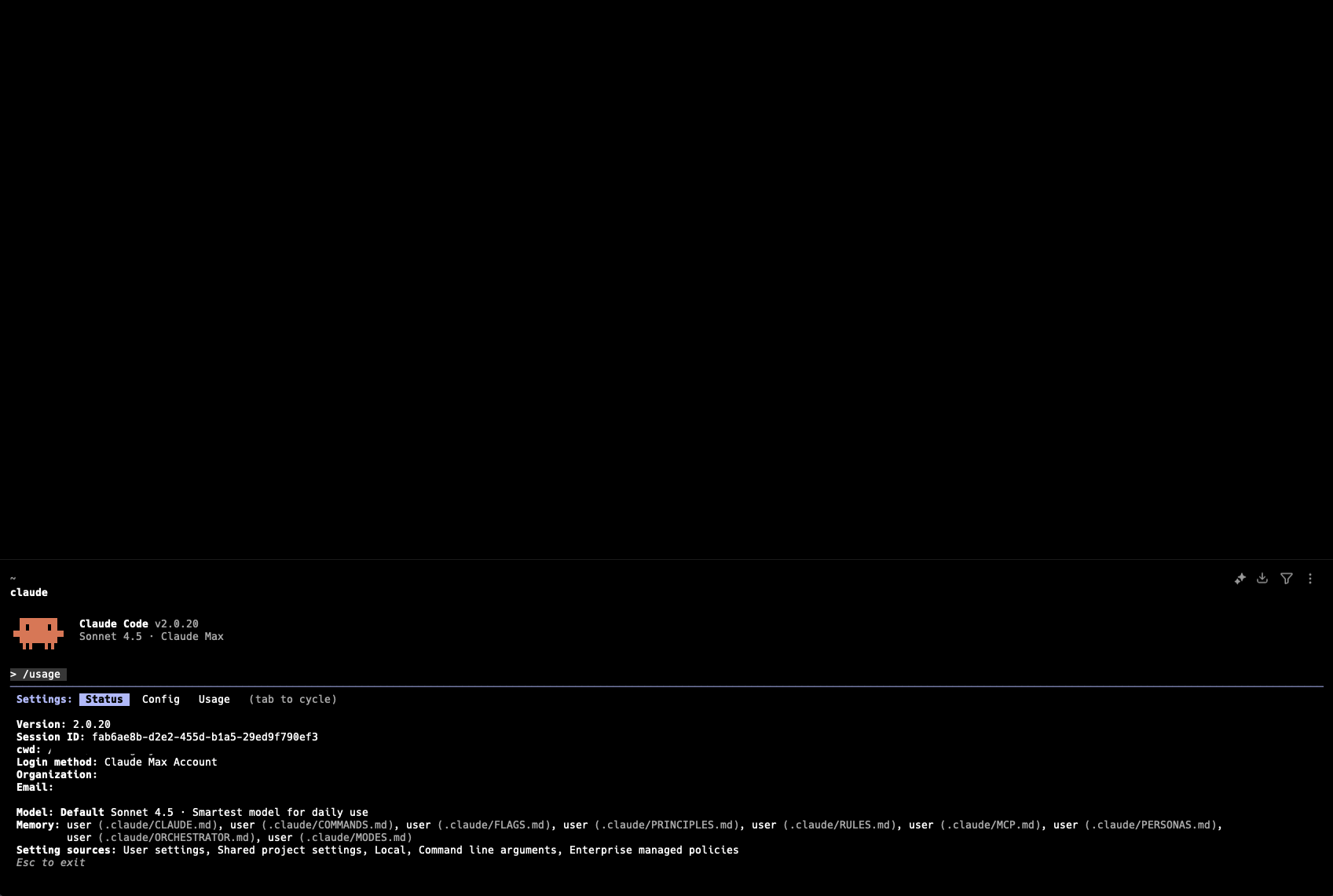
You don’t need a computer science degree to build software with AI. Claude Code can be your programming partner, helping you create working applications even if you’ve never written a line of code. But to get the best results, you need to understand how to work with it effectively.
Here are three fundamental principles that will dramatically improve your AI-assisted programming experience.
Step 1: Break Down Your Tasks
The most common mistake beginners make is asking for too much at once. Requesting “build me a complete e-commerce website” will almost always produce disappointing results - the AI can’t hold all the complexity in its context, and you’ll end up with incomplete or broken code.
Instead, decompose your project into smaller, logical steps.
Bad approach:
“Create a weather notification system that fetches data from an API, stores user preferences, sends email alerts, and has a web interface.”
Good approach:
- “Create a Python script that fetches current weather data from OpenWeatherMap API for a given city”
- “Add a function to check if the temperature exceeds a threshold”
- “Add email sending capability using SMTP”
- “Create a simple Flask web interface to configure the city and threshold”
Each step builds on the previous one. You test and verify each piece works before moving forward. This incremental approach catches problems early and produces more reliable code.
Step 2: Choose the Right Model
Claude offers different models optimized for different tasks. Using the right one for your specific need improves both results and efficiency.
Claude Opus - The Architect
Use Opus for:
- Complex system architecture decisions
- Large-scale refactoring
- Difficult debugging problems
- Code reviews requiring deep understanding
Think of Opus as a senior developer. You consult them for the hard problems, not for writing every line of code.
Claude Sonnet - The Workhorse
Use Sonnet for:
- Day-to-day coding tasks
- Implementing features from a clear specification
- Writing tests
- General programming questions
Sonnet is your reliable colleague who handles most of the work. It’s fast, capable, and available for extended sessions.
Claude Haiku - The Quick Helper
Use Haiku for:
- Quick syntax questions
- Simple code formatting
- Fast lookups and conversions
- High-volume simple operations
Haiku is like a quick reference card. Fast answers for straightforward questions.
Step 3: Manage Your Context
Claude has a “context window” - the amount of conversation it can remember and reference. As conversations grow longer, earlier details can become less accessible, and responses may become less coherent.
Start Fresh for New Projects
Don’t continue a conversation about your web app to suddenly work on a database script. Start a new conversation. This gives Claude a clean slate and your full context window for the new task.
Paste Current Code, Not History
When adding features to existing code, don’t rely on what you discussed three days ago. Paste the current, complete version of your code. Claude will give you accurate modifications based on what actually exists, not what it thinks exists from memory.
Be Explicit About State
Instead of “now add error handling to the function we discussed,” say “here’s my current function [paste code]. Add error handling for network failures and invalid JSON responses.”
Practical Example
Let’s say you want to build a simple budget tracker. Here’s how you might approach it:
Conversation 1 (with Sonnet):
“Create a Python class called BudgetTracker that can add expenses with a category and amount, and return the total spent.”
Test it. Does it work? Great, move on.
Conversation 2 (with Sonnet):
“Here’s my BudgetTracker class: [paste code]. Add a method to get spending by category and another to export data to JSON.”
Test again. Continue iterating.
Stuck on something complex? (Switch to Opus):
“I have this BudgetTracker system [paste all relevant code]. Users are reporting that concurrent access corrupts the data. Help me understand why and how to fix it.”
The Co-Pilot Mindset
Claude isn’t magic - it’s a co-pilot. You still need to:
- Understand what you’re asking for
- Test the code it generates
- Learn from the explanations it provides
- Make decisions about architecture and design
The most successful AI-assisted programmers treat Claude as a highly capable partner, not an oracle. They ask questions, request explanations, and build their own understanding alongside the generated code.
Three principles to remember:
- Divide tasks - Small, focused requests produce better results
- Match the model - Use the right tool for the right job
- Refresh context - Start fresh and paste current code
Master these fundamentals, and you’ll be building working software faster than you ever thought possible.